

 Română
 English
 Deutsch
 Magyar
Performance and KPI
Scores anyone understands at a glance: the level, what counted and how much, the trend — built from your company’s numbers, with no formulas needed.
In Starter, Professional, Enterprise
Performance, internal communication and training at the centre; add the modules you need. Employee records, organisation, roles and notifications are in every plan.
Choose your indicators and their weights without writing formulas. Import data from files, your own systems or other Pulsika modules. Employees can see their results, performance level and how each score was calculated.
How Raluca’s score is calculated
70% of sales achievement + 30% of service quality = 107.9
sales_achievement * 0.7 + service_quality * 0.3
A sales result of 113 means the target was exceeded by 13%. This is why the overall score can exceed 100.
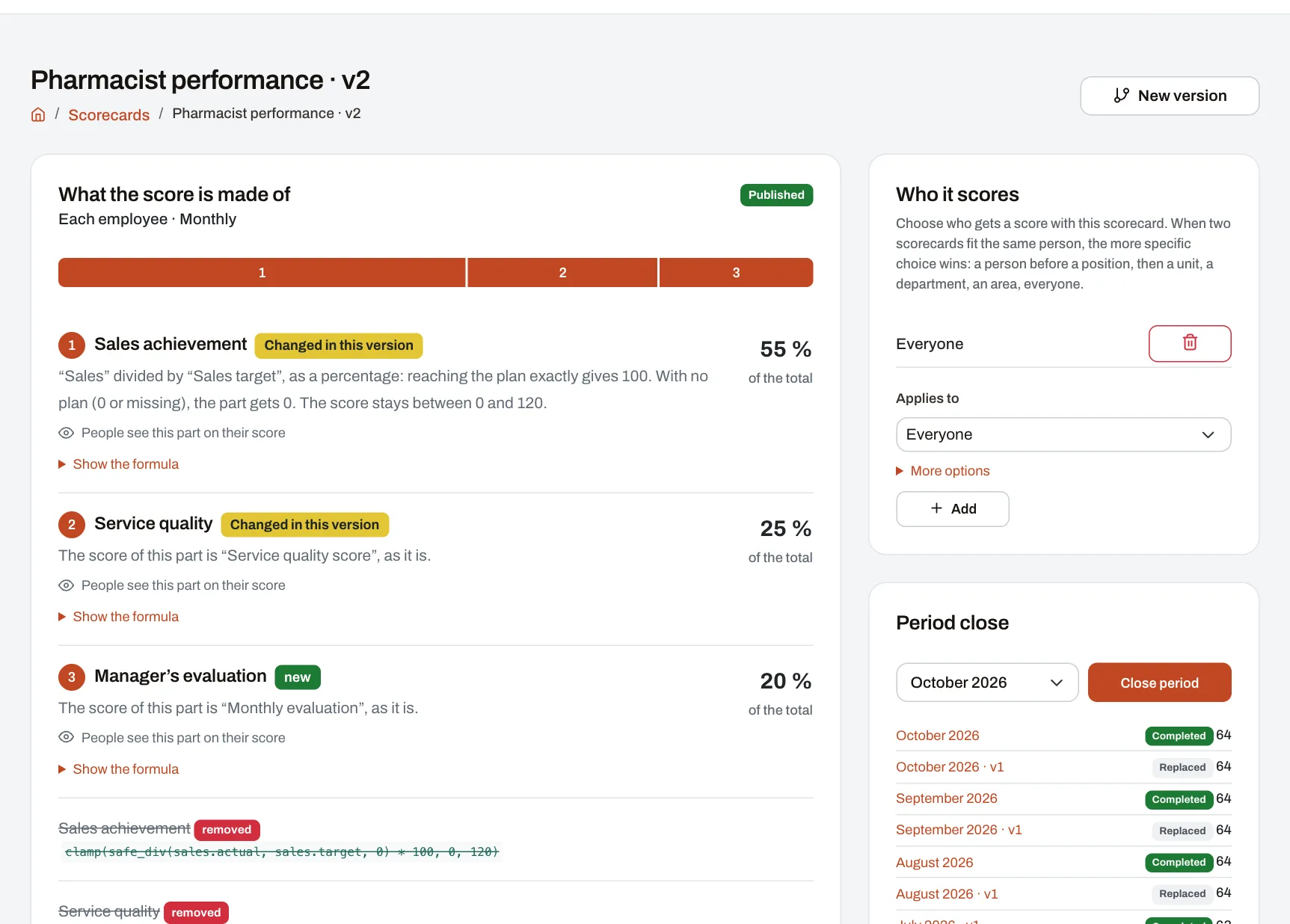
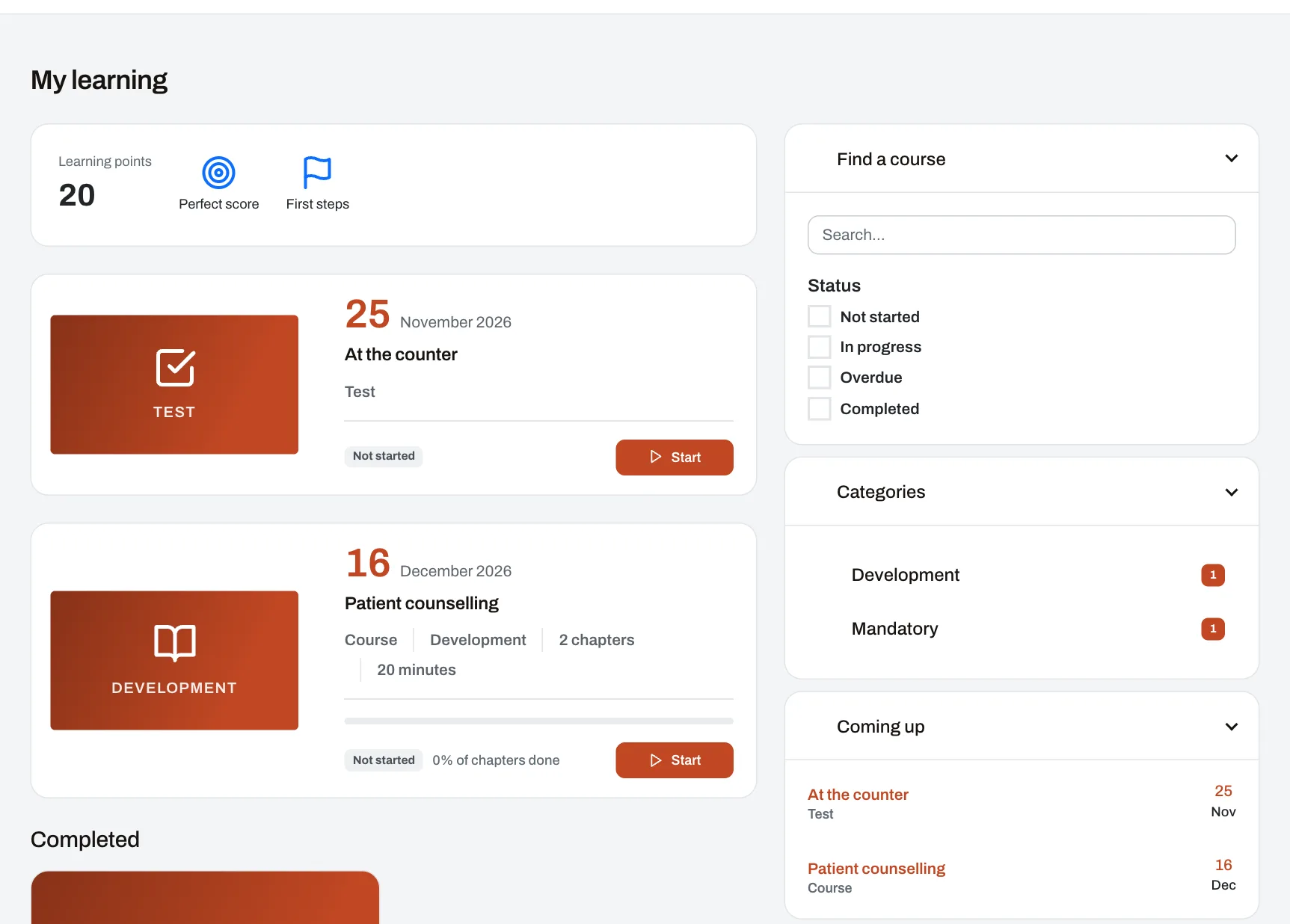
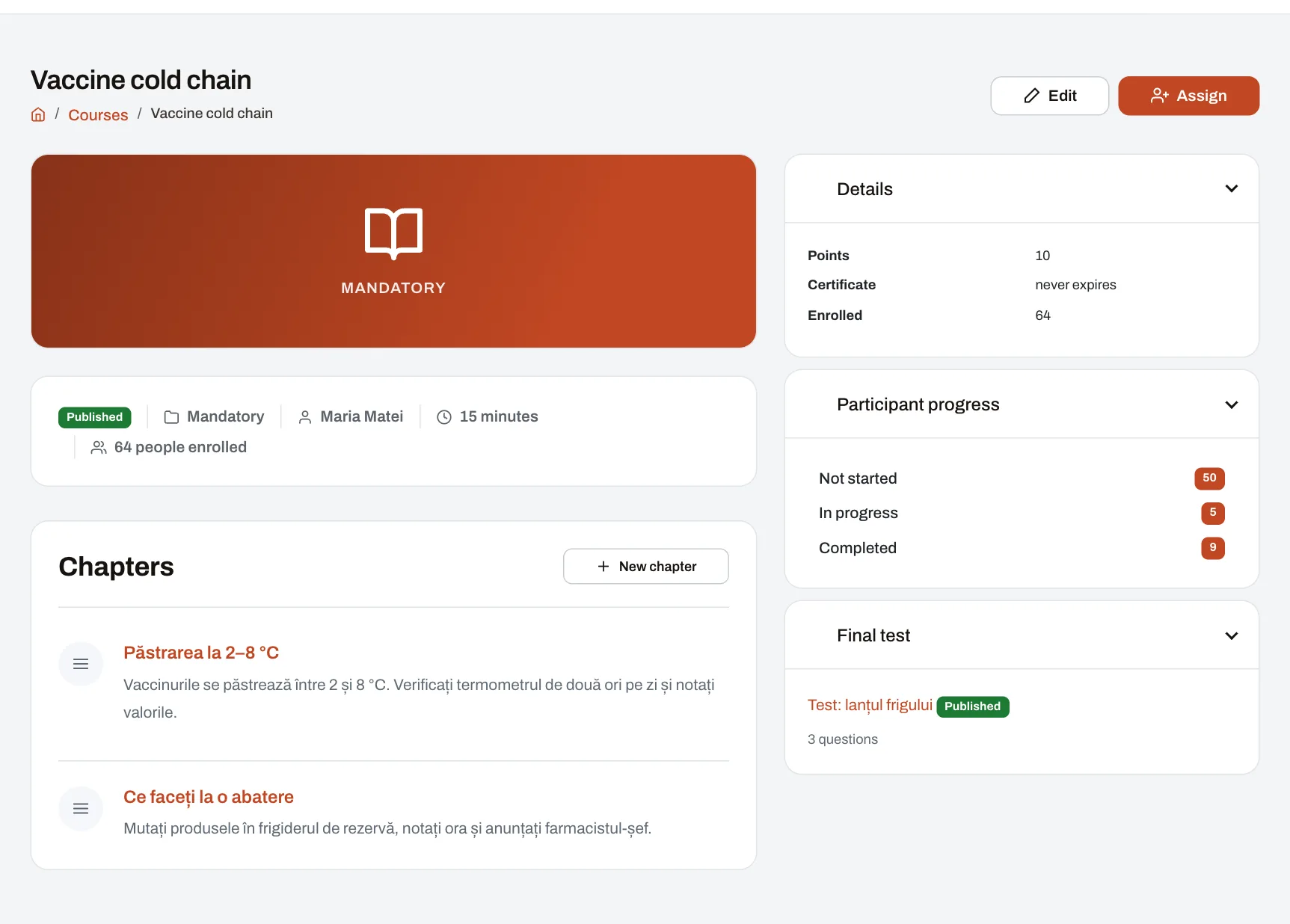
Build courses in chapters, add tests with deadlines and assign them to units, positions or people. Each person sees what they still have to do; managers see who has finished and who is behind.
See at a glance what you can do in Pulsika: performance, internal communication and learning, then leave, the calendar, documents and people.
All video tutorialsSee what each feature does and which plans include it.
Scores anyone understands at a glance: the level, what counted and how much, the trend — built from your company’s numbers, with no formulas needed.
In Starter, Professional, Enterprise
A scorecard is built in four steps, choosing from a list how each part is scored; formulas stay at hand for those who want them.
In Starter, Professional, Enterprise
Managers evaluate their people on the company’s own forms — criteria with points, comments, a deadline — and the result can go into the KPI score.
In Starter, Professional, Enterprise
The month’s objectives — brands, focus products, campaigns — with targets per unit; achievements are scored automatically and go into the KPI score.
In Professional, Enterprise
Where a conversation is worth having: falling scores, overdue training, expired health & safety checks — for the people in each manager’s reach.
In Starter, Professional, Enterprise
The regular conversations between a manager and each of their people: prepared by both, with action points carried forward and the figures since last time alongside.
In Starter, Professional, Enterprise
Signed feedback between colleagues, asked for or given unprompted, plus self-assessment and colleagues’ views on evaluation forms, and feedback from someone outside the company.
In Starter, Professional, Enterprise
What the company wants to achieve in a quarter or a year, linked to the priorities of areas, units, departments and people, each measured by key results.
In Starter, Professional, Enterprise
A news feed for the whole company: announcements with read confirmations, groups, polls, events, kudos and direct messages.
Open, closed or secret groups, automatic groups for units and departments, topic discussions, with moderation.
One-to-one or group conversations, live, with files and “Seen” — truly private, kept as long as the company decides.
In Professional, Enterprise
Public thanks tied to the company’s values, colleagues’ profiles, and the days that matter, celebrated automatically.
Posts that ask for an answer: a vote, attending an event, or confirming a new rule was read.
Your customers, the deals in progress, their visits and what they say, kept by the people who serve them — and the figures can feed the performance scores.
In Professional, Enterprise
Site of the month, a campaign’s champions, agent of the quarter: contests on the figures your company already has, with rules known in advance and prizes handed over on time.
In Professional, Enterprise
Units, departments, areas, positions and teams; every employee’s record and who manages whom.
Who works where and who manages whom, in one picture: areas with their units, and departments, with the managers and the head count of each. In every plan.
What needs doing when someone new arrives or someone leaves, shared between HR, the manager, the person and a colleague who helps them, with due dates and reminders. In every plan.
How many people there are, how many joined, how many left and how many within 90 days, turnover, and tenure and age groups, month by month, wherever you have access. In every plan.
Leave types, balances, public holidays, approval flows and the team planner.
Company events, public holidays, team leave and deadlines in one calendar you can also see in Google or Outlook.
Courses in chapters, tests with deadlines, verifiable certificates, badges and a complete training record.
In Professional, Enterprise
Your company’s procedures, how-tos and frequent questions, by topic, with search — for everyone or only for those concerned, in each person’s language. In every plan.
Each location's zones, on its sketch, and partners' campaigns in its frames, stands and windows: put up on time, confirmed with photos, taken down when they end. Sold separately.
Planograms in every location, how full they are and what space is left to sell, producers' shelf campaigns, prices, revenue and costs. Sold separately.
Ask in plain words about scores, deals and customers, say what happened and confirm what it proposes, read one-click summaries — only if you choose to use it.
Your systems read and write Pulsika’s data — people, units, leave, KPIs, training, documents and more — with separate keys and rights per resource. In Enterprise.
In Enterprise
The details your company needs beyond the standard ones — for employees, units, departments, positions, teams and the company. In every plan.
Pulsika works on the phone like an app; notifications arrive live, by email, as a daily summary, in the browser or by SMS.
Documents with expiry alerts, service and material requests, with stock kept up to date.
In Professional, Enterprise
The attestations employees ask for most — of employment, for the family doctor, of length of service — filled in from their data, numbered in the year’s register and downloaded as a PDF.
In Professional, Enterprise
Satisfaction or feedback surveys, with truly anonymous answers and results after closing.
In Professional, Enterprise
The same questions asked weekly, monthly or quarterly, with each one’s trend, eNPS, and pulse questions people answer in a minute, right on the dashboard.
In Professional, Enterprise
Checklists, audits in units, action plans and indicators from the results.
In Enterprise
Every employee’s health & safety training and medical checks, with their frequency and alerts before they expire.
In Professional, Enterprise
Campaigns where units send photos straight from the phone, reviewed by the people in charge.
In Enterprise
The price list shows what each plan includes; any module can also be added to a plan on its own.
Compare plans in detailTry every module free or book a demo with our team. No card needed.
A place for company news and conversations with colleagues
Share announcements, collect read confirmations and stay in touch through groups, kudos, polls, events and direct messages. Everyone can take part from their phone, wherever they work.
Discover the social network